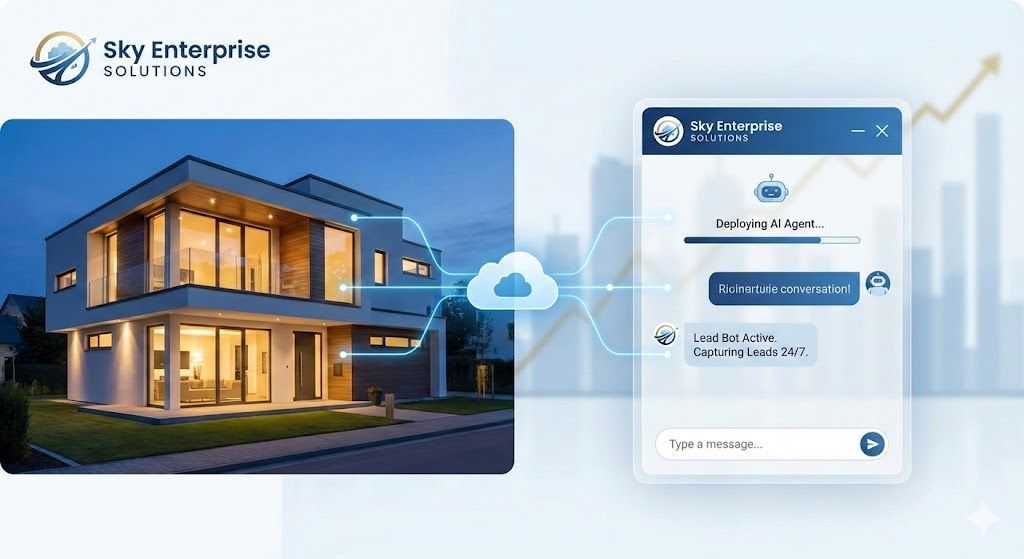
If you run a real estate business, your website is likely bleeding leads. Most potential buyers and sellers do their research after hours—long after your office has closed. If your site only offers a static "Contact Us" form, those high-intent prospects are bouncing to a competitor who answers their questions instantly.
The solution? A
Real Estate AI Chatbot.
In the past, building an AI agent meant hiring a developer or spending weeks learning complex visual logic builders. Today, deploying a turnkey real estate lead bot is as simple as uploading a file.
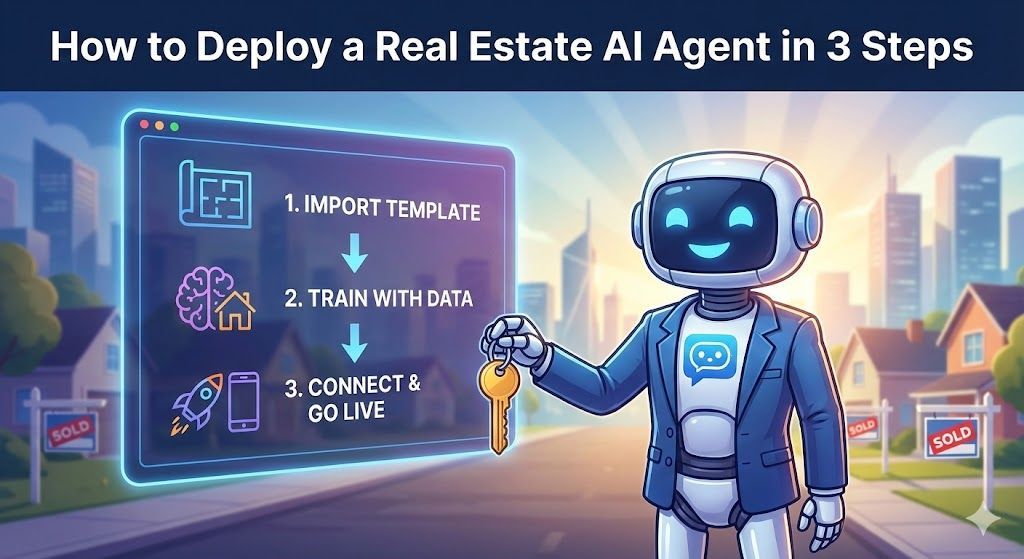
Here is the step-by-step guide to deploying your Sky Enterprise AI Agent so you can start capturing and qualifying leads 24/7.
Step 1: Download Your Turnkey Template
The first step is bypassing the "build phase" entirely. When you purchase the
Real Estate Lead Bot template from Sky Enterprise, you aren't starting from a blank canvas.
Log in to your dashboard (or your Gumroad receipt) and download the pre-configured JSON logic flow. This file contains the "brain" of your bot, complete with:
- Real estate-specific system prompts.
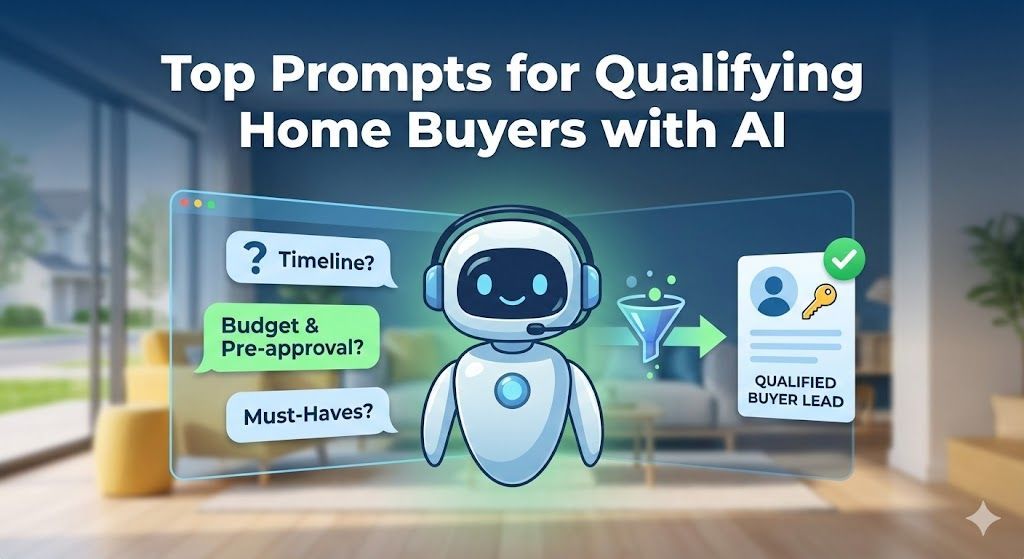
- Pre-built lead qualification questions (budget, timeframe, buying vs. selling).
- Fallback scenarios to ensure the AI never hallucinates.
Step 2: Import to Your Visual Builder
You don't need to know how to code to launch this bot. We recommend using a user-friendly visual builder platform like Voiceflow or Landbot.
- Create a free account on your preferred platform.
- Select
"Import Project" (do not select "Start from Scratch").
- Upload the Sky Enterprise JSON file you downloaded in Step 1.
Instantly, the entire conversation flow, variable captures, and AI nodes will populate on your screen. No tedious logic mapping required.
Step 3: Customize Your System Prompt
Your AI agent needs to know who it works for. Click on the main "System Prompt" block in your builder and update the bracketed text with your specific
business details.
Make sure to update:
-
[Agent/Brokerage Name]
: E.g., Smith & Co. Realty -
[Service Area]
: E.g., Downtown Portland and surrounding suburbs -
[Contact Info]
: Your phone number for live-agent handoffs.
This takes less than two minutes and ensures the bot speaks in your brand's voice.
Step 4: Connect Your AI Brain
To make the bot conversational (rather than just a rigid script), you need to connect it to an LLM (Large Language Model).
- Go to
OpenAI and generate an API Key.
- Paste this API Key into the settings/integrations tab of your visual builder.
- Optional but recommended: Upload a PDF of your current listings or FAQs to the platform's "Knowledge Base" section. This uses RAG (Retrieval-Augmented Generation) to allow your bot to answer specific questions about your properties.
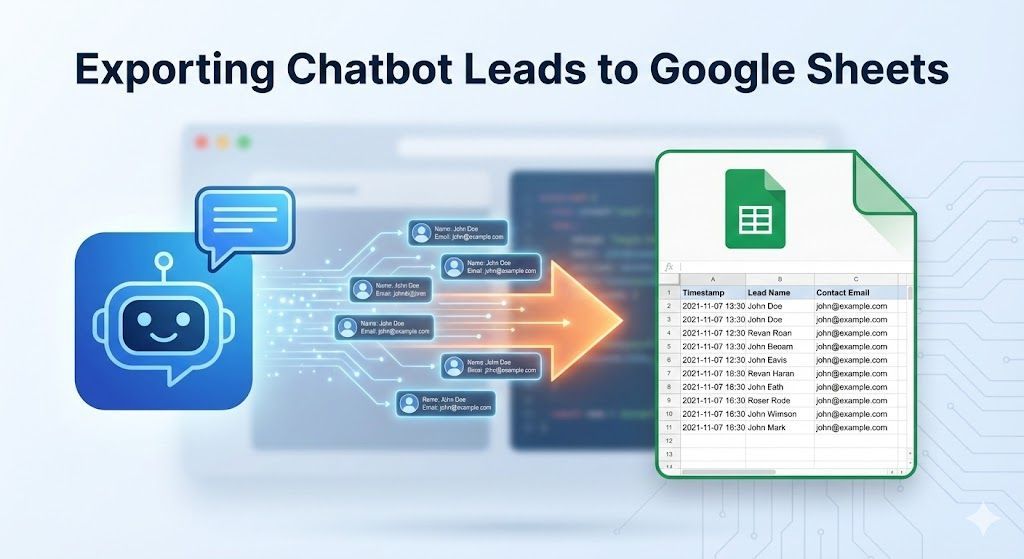
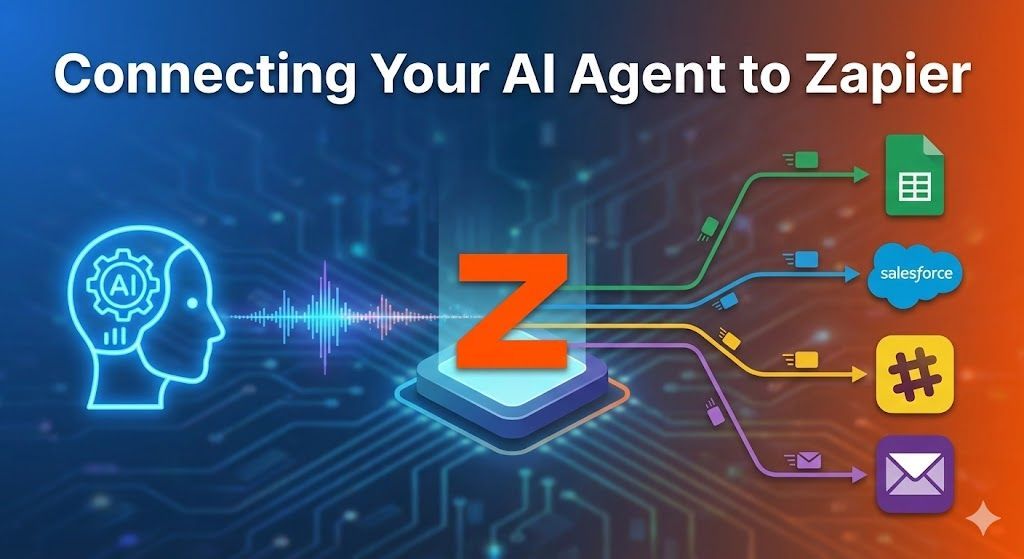
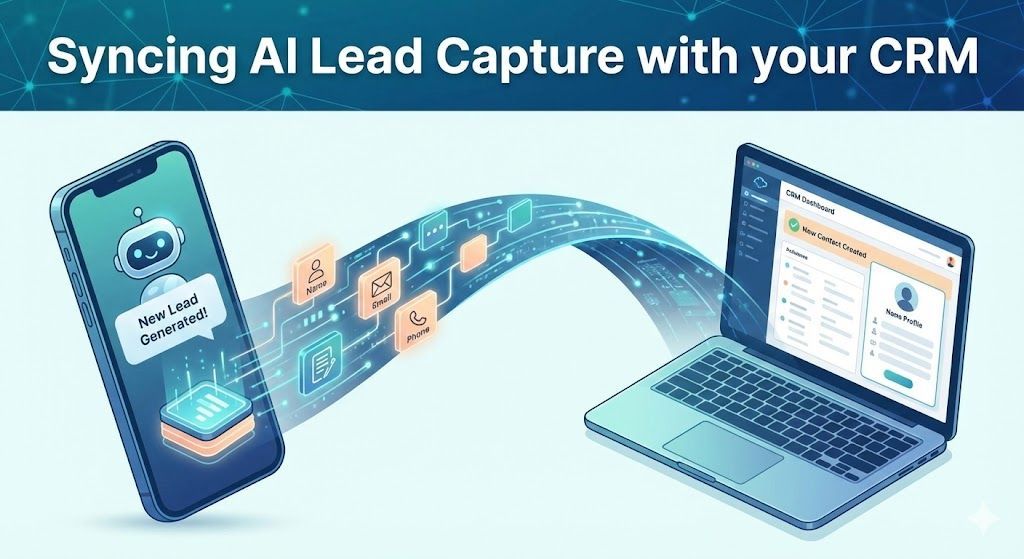
Step 5: Sync With Your CRM
A lead is useless if it just sits in a chat log. You need those names, phone numbers, and budgets pushed directly to your CRM (like Follow Up Boss, HubSpot, or Salesforce).
The Sky Enterprise template is pre-configured with API webhook blocks.
- Create a free account on Zapier or Make.com.
- Set the trigger as a "Webhook" and paste the provided URL into the final block of your chatbot template.
- Set the action to "Create a Lead" in your specific CRM.
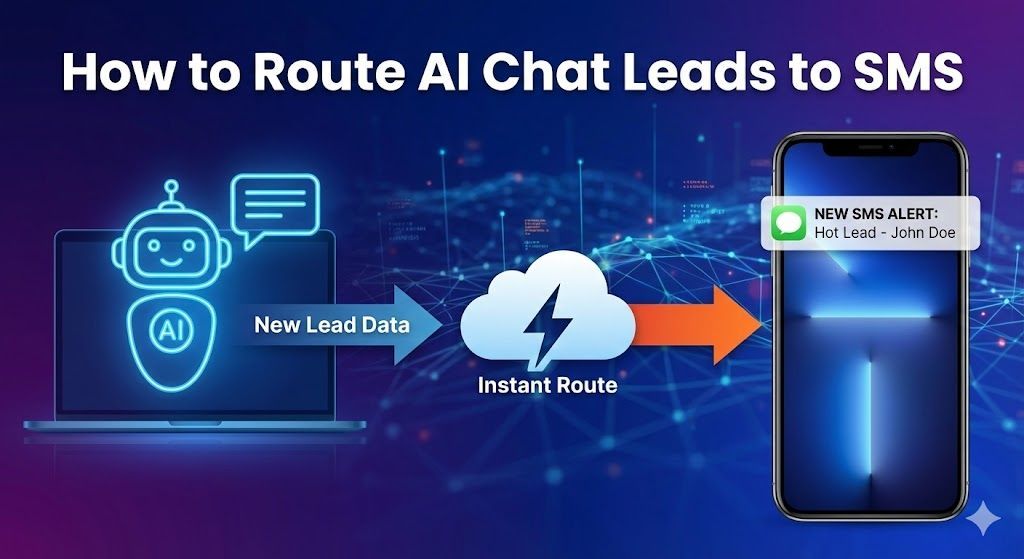
Now, the moment a user finishes chatting, their data appears on your phone.
Step 6: Embed on Your Website
The final step is putting the bot to work.
- Click
"Publish" in your visual builder.
- Copy the generated Javascript snippet.
- Paste this snippet into the
<head>
or
<body>
tag of your website builder.
Whether you use Duda, WordPress, or Squarespace, the chat bubble will immediately appear in the bottom corner of your site, ready to engage visitors.
Stop Missing After-Hours Leads
Deploying an AI agent used to be a massive technical hurdle. With a Sky Enterprise turnkey template, it's a 15-minute deployment task.
Ready to automate your lead generation?
[Real Estate Bot]
To see a great breakdown of how these AI chatbots actually function in the wild for real estate professionals, check out this guide on
How to Set Up an AI Chatbot for Real Estate Leads. This video walks through the exact kind of automated qualification and appointment booking your templates provide!
Would you like me to write the next guide for the
Home Services bot, or should we focus on writing the social media promotional posts to drive traffic to this Real Estate article?