In real estate, speed is everything. The first agent to respond to a lead usually gets the deal.
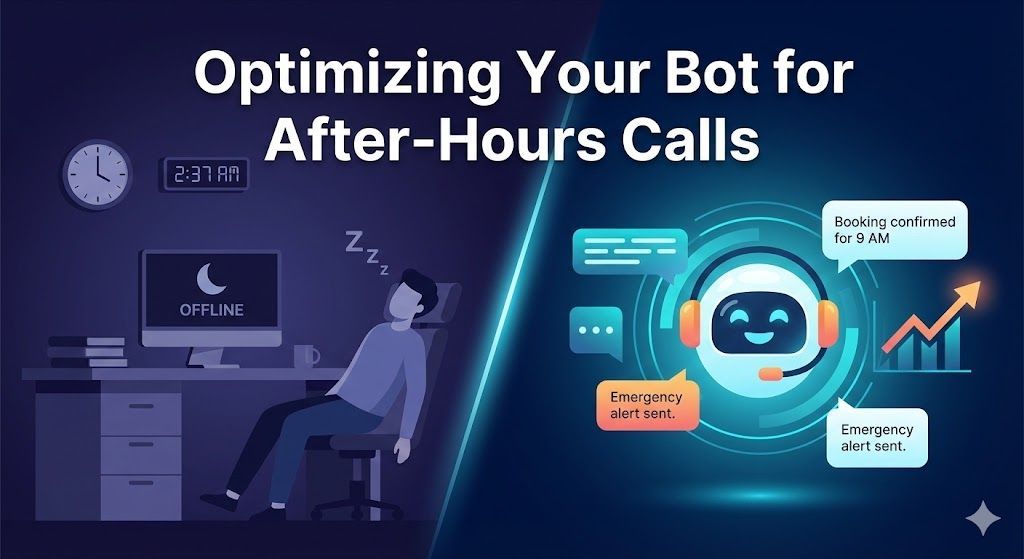
But you are human. You have showings, closings, family time, and the need to sleep. You cannot possibly answer every "Is this still available?" Facebook message at 11:00 PM or pick up every Zillow lead call during a Saturday open house.
Every missed interaction is a potential commission check slipping through your fingers.
The solution used to be hiring expensive Inside Sales Agents (ISAs) or using clunky, generic auto-responders that everyone ignores. Today, the solution is an
AI Real Estate Agent.
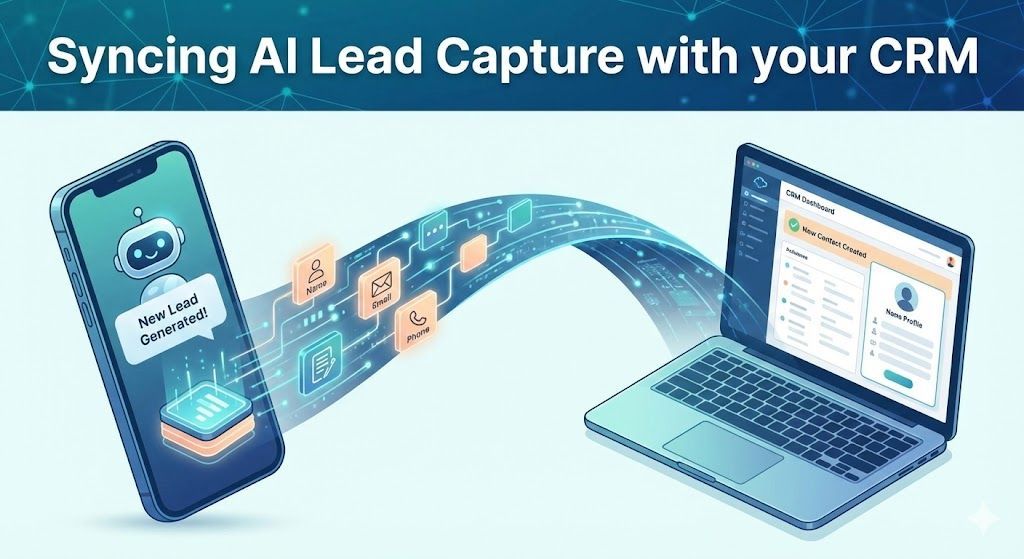
An AI agent is your 24/7 digital twin. It doesn't just capture name and email; it has intelligent, natural conversations to qualify buyers, handle objections, and book appointments directly on your calendar.
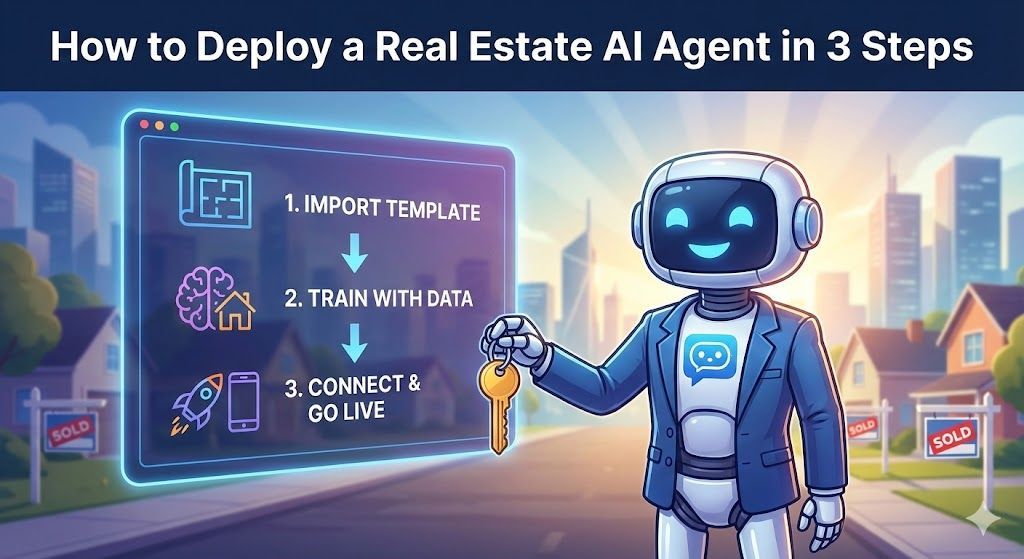
Best of all? You don't need to be a tech wizard to build one. If you can copy and paste, you can deploy a powerful AI agent today. Here is the 3-step blueprint to getting your virtual ISA live.
Step 1: Start with a Specialized Template (Don't Reinvent the Wheel)
The biggest mistake agents make is trying to build an AI bot from scratch using raw tools like ChatGPT's API. That’s like trying to build your own car before driving to a listing presentation.
You need a pre-built structure designed specifically for real estate workflows.
Our
Real Estate AI Agent Template comes pre-loaded with the conversational logic top producers use. It already knows how to:
- Greet website visitors warmly without being pushy.
- Ask the crucial
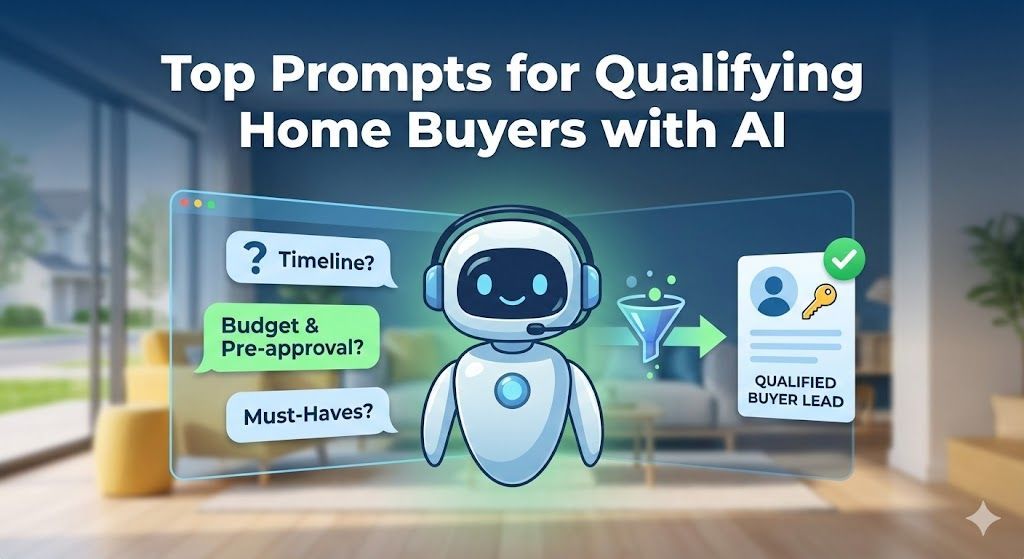
buyer qualification questions (Timeline, Budget, Motivation, Pre-approval status).
- Differentiate between a buyer, a seller, and a renter.
- Handle common objections like "I'm just looking."
Action: Sign up for your AI platform account and import the Real Estate template. In seconds, you have 80% of the work done.
Step 2: Train It on Your Business (The Knowledge Base)
A generic bot is okay. A bot that knows your market and your listings is unstoppable.
This step is where you upload your "brain" into the AI. This is crucial for accuracy and ensuring the bot sounds like a member of your team.
What to feed your AI:
- Your Listings: Upload PDFs or paste text about your current featured listings. The bot needs to know specs, prices, and unique selling points.
- Your FAQs: What are the 10 questions you get asked every week? (e.g., "What are interest rates doing?", "How are schools in [Neighborhood]?", "What's your commission?"). Write down your best answers and upload them.
- Your Service Area: Clearly define the cities, zip codes, and neighborhoods you serve so the bot can politely filter out leads outside your geo-fence.
Pro-Tip: Keep your training documents clear and concise. Bullet points work better than long paragraphs. The cleaner your data, the smarter your AI.
Step 3: Connect & Go Live
Your bot is built and trained. Now you need to put it where the leads are.
There are two main channels where your AI agent should live:
A. The Website Widget (Your 24/7 Greeter)
This is the low-hanging fruit. Instead of a static contact form that people hate filling out, give them an interactive experience.
- In your AI platform settings, navigate to the "Integrations" or "Deploy" tab.
- Copy the small snippet of Javascript code provided.
- Paste this code into the header or footer section of your real estate website (Wix, WordPress, Sierra Interactive, BoomTown, etc.).
Instantly, a chat bubble appears on your site, ready to engage every visitor.
B. SMS/Text Message (Speed-to-Lead King)
Real estate happens on the phone. You want your AI to handle incoming text inquiries from yard signs or Facebook ads.
- Acquire a dedicated phone number through an integration partner like Twilio.
- Connect that number to your AI agent in the platform settings.
- Now, any text sent to that number gets an immediate, intelligent response from your AI, even at 3 AM.
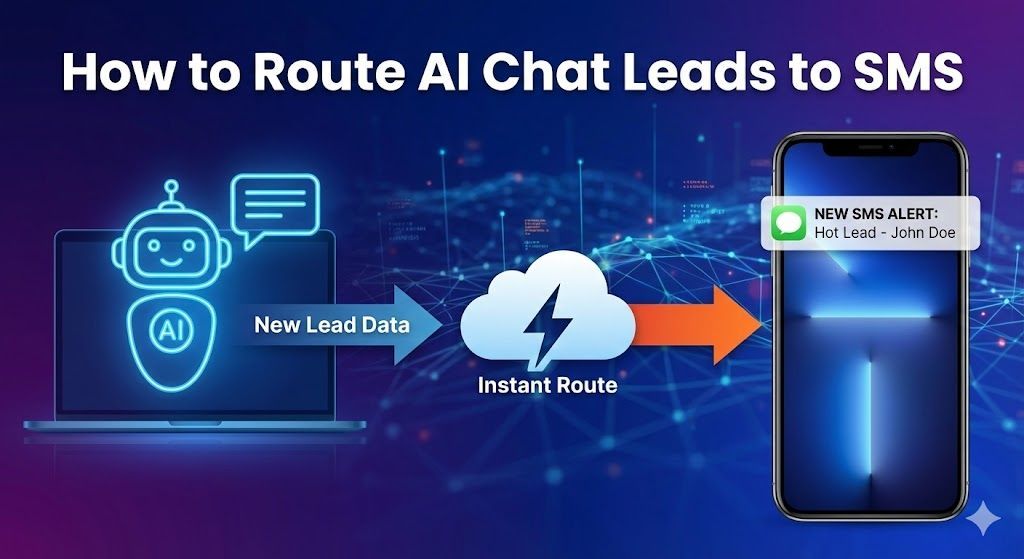
(See our detailed guide on
Routing AI Leads to SMS so you know instantly when a hot prospect is on the hook.)
Stop Chasing Leads, Start Closing Them
Deploying an AI agent isn't about replacing yourself; it's about cloning your best attributes—your responsiveness and your knowledge—and making them available 24/7.
By following these three steps, you move from being a reactive agent constantly glued to your phone to a proactive business owner with a scalable system for growth.
Ready to launch your virtual ISA? Download the Turnkey
Real Estate AI Agent Template and start capturing leads while you sleep tonight.