It’s 9:00 PM on a Tuesday. You’re finally relaxing after a long day. Your phone buzzes—a new lead from your website. A minute later, another one.
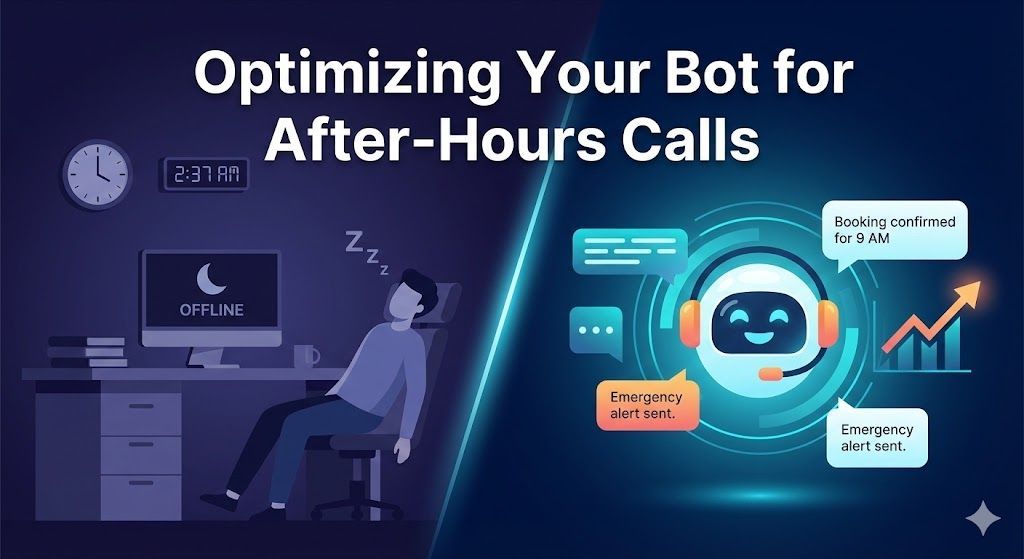
For most service businesses, the hours between 5 PM and 9 AM are a black hole of lost opportunity. Customers are searching for help when they are free, not just when you are open. If your business relies on voicemail after hours, you are actively handing those customers to the competitor who picks up the phone.
A 24/7 answering service is expensive. A generic "leave a message" form on your site is ineffective.
The solution is a well-optimized
AI Chatbot that acts as your best, never-sleeping employee. But simply having a bot isn't enough; it needs to be specifically trained for the "night shift."
Here is how to optimize your AI agent to turn after-hours traffic into confirmed leads and booked jobs.
1. Acknowledge the Time (The "Night Mode" Greeting)
Your bot should know what time it is. A generic "How can I help you?" feels robotic at 2 AM.
Use your chatbot's logic to detect the user's local time. If it's outside of your business hours, change the opening greeting to set immediate expectations.
- Standard Greeting (9 AM - 5 PM): "Hi! Thanks for visiting. How can our team help you today?"
- After-Hours Greeting (5 PM - 9 AM): "Hi there! Our office is currently closed, but I'm here to help. I can take your information, schedule an appointment for tomorrow, or flag this as an emergency."
This simple change builds trust and lets the customer know they are being heard, even if a human isn't immediately available.
2. Triage Emergency vs. Routine Calls
Not all after-hours calls are created equal. A quote for a new roof can wait until morning. A burst pipe cannot.
Your AI bot's primary job after hours is triage. Train it to identify high-intent keywords that signal an emergency.
- Keywords to flag: "Leak," "Flood," "No heat," "Gas smell," "Emergency."
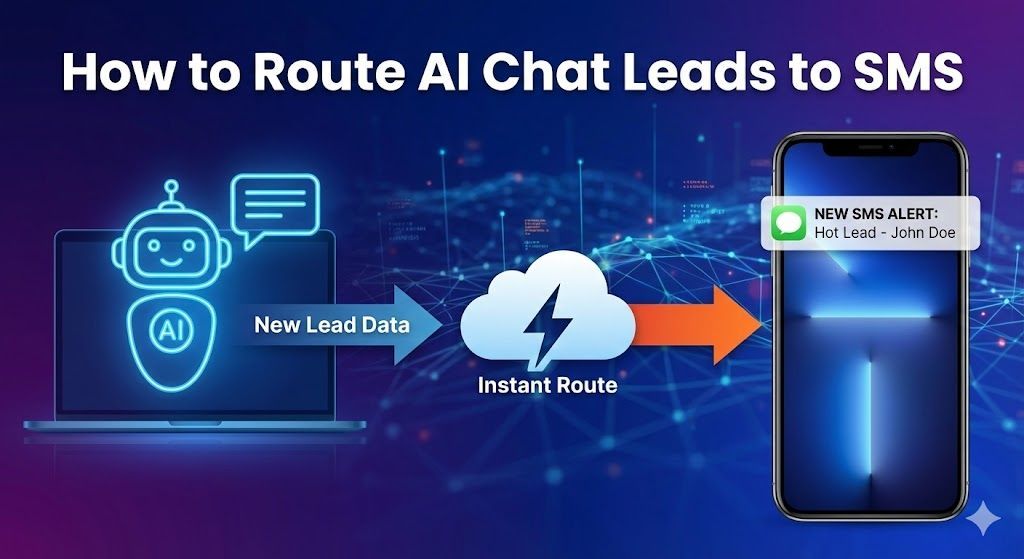
- The Bot's Action: When these keywords are detected, the bot should immediately pivot. Instead of a standard lead capture flow, it should provide an emergency contact number or trigger an instant
SMS alert to your on-call technician.
For non-emergencies, it should proceed with a standard qualification flow to gather details for the morning crew.
3. Prioritize "Speed to Lead" Data Capture
At 11 PM, a customer doesn't want to have a 20-minute conversation with a robot. They want to solve their problem and go to bed.
Streamline your after-hours flow to capture the bare essentials first:
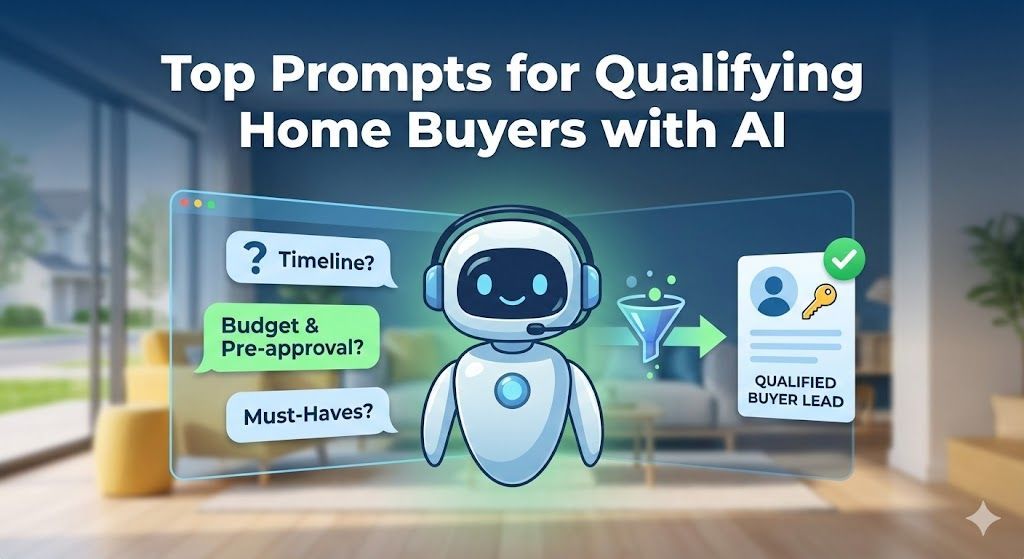
- What is the issue? (e.g., "My AC isn't blowing cold air.")
- What is your name?
- What is the best phone number to reach you first thing tomorrow?
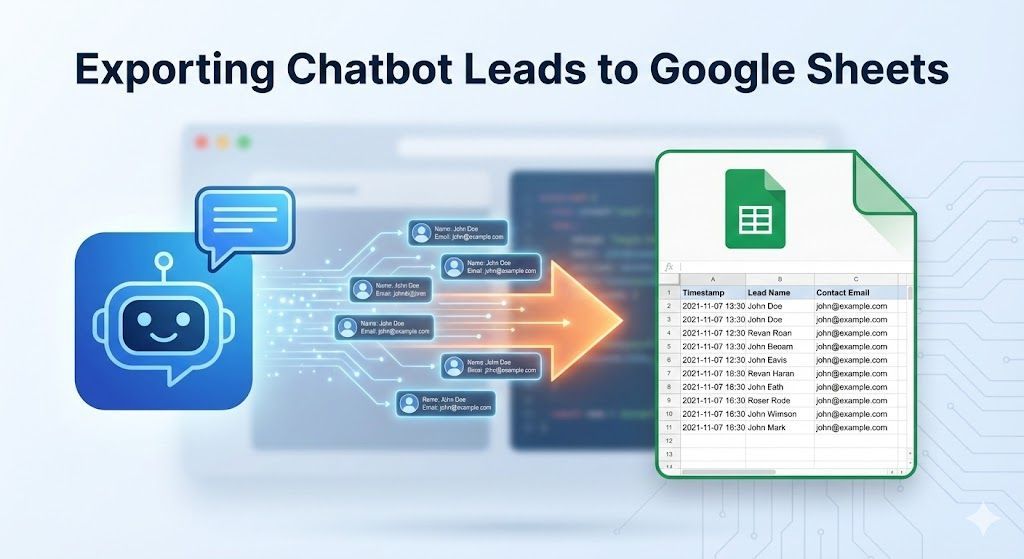
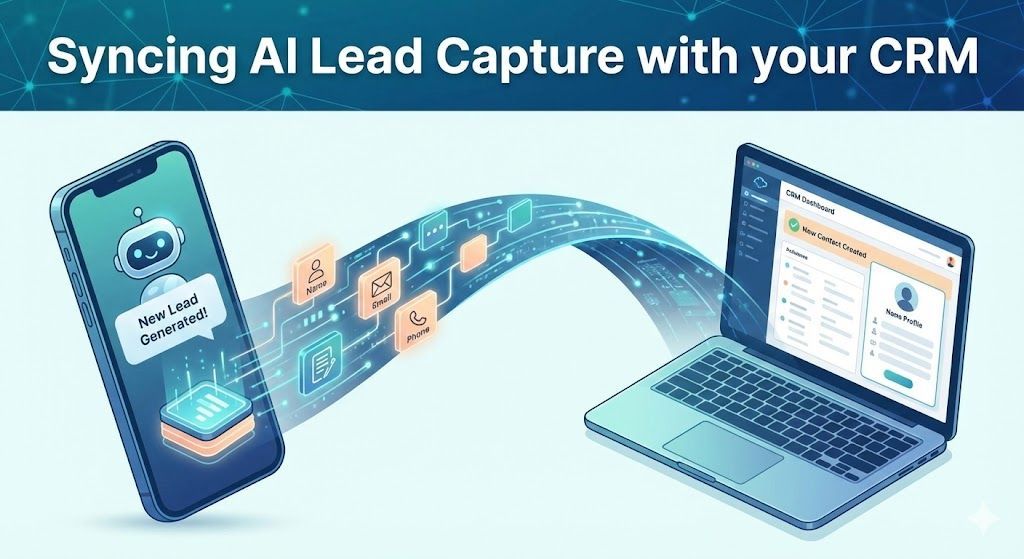
Once you have this "minimum viable lead" secured in your
CRM, you can ask optional follow-up questions (like address or photos of the issue). If the user drops off, you still have enough info to win the business the next day.
4. Offer Direct Booking (The Holy Grail)
The best outcome isn't just a message; it's a confirmed appointment on your calendar.
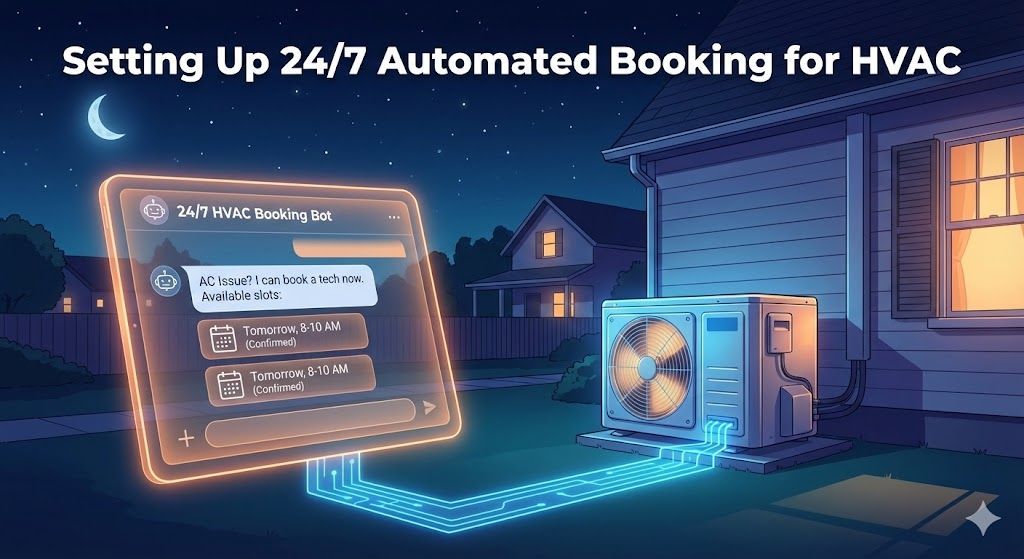
For routine service calls (like a seasonal tune-up or a non-emergency repair), integrate your bot with your scheduling software.
Instead of saying, "Someone will call you," your bot can say:
"I can have a technician out to take a look. Would you prefer a morning or afternoon slot tomorrow?"
By allowing the customer to lock in a time right then and there, you stop them from continuing their Google search for another provider.
5. Set Clear "Next Step" Expectations
Never leave an after-hours interaction open-ended. The customer needs to know exactly what will happen next.
Before ending the chat, your bot must provide a clear confirmation message:
"Thanks, Sarah. I have your request for AC repair. I've marked this for our dispatch team, and
someone will call you between 8:00 AM and 9:00 AM tomorrow morning to confirm the details. Have a good night!"
This assurance reduces anxiety and stops the customer from calling five other companies just to be safe.
Turn Your Website Into a 24/7 Sales Machine
An optimized after-hours bot doesn't just capture leads; it protects your brand's reputation for responsiveness. While your competitors are sending calls to voicemail, your AI agent is triaging issues, booking jobs, and filling your sales pipeline for the next day.
Ready to deploy an AI employee that never sleeps? Get started with our turnkey
Home Services AI Agent template today.